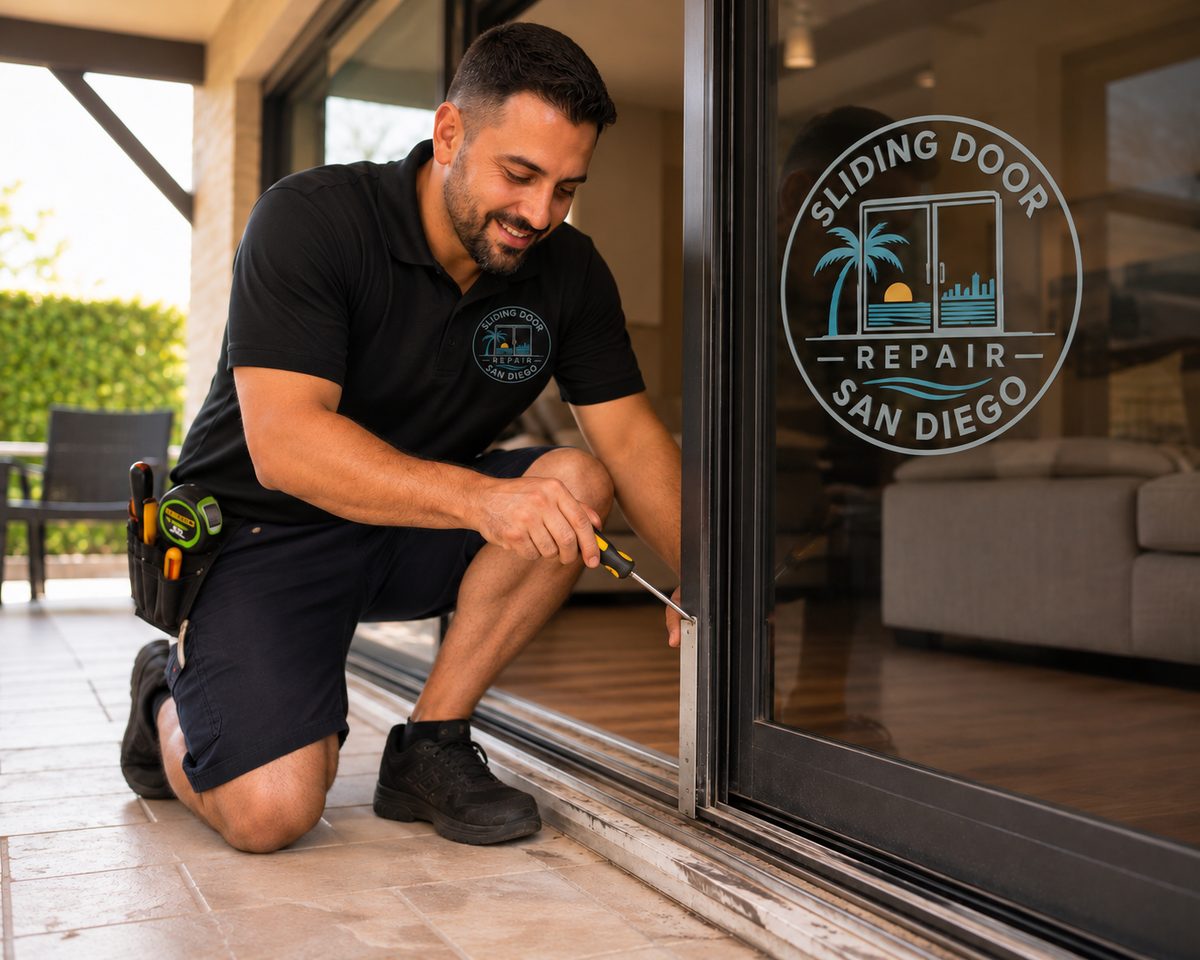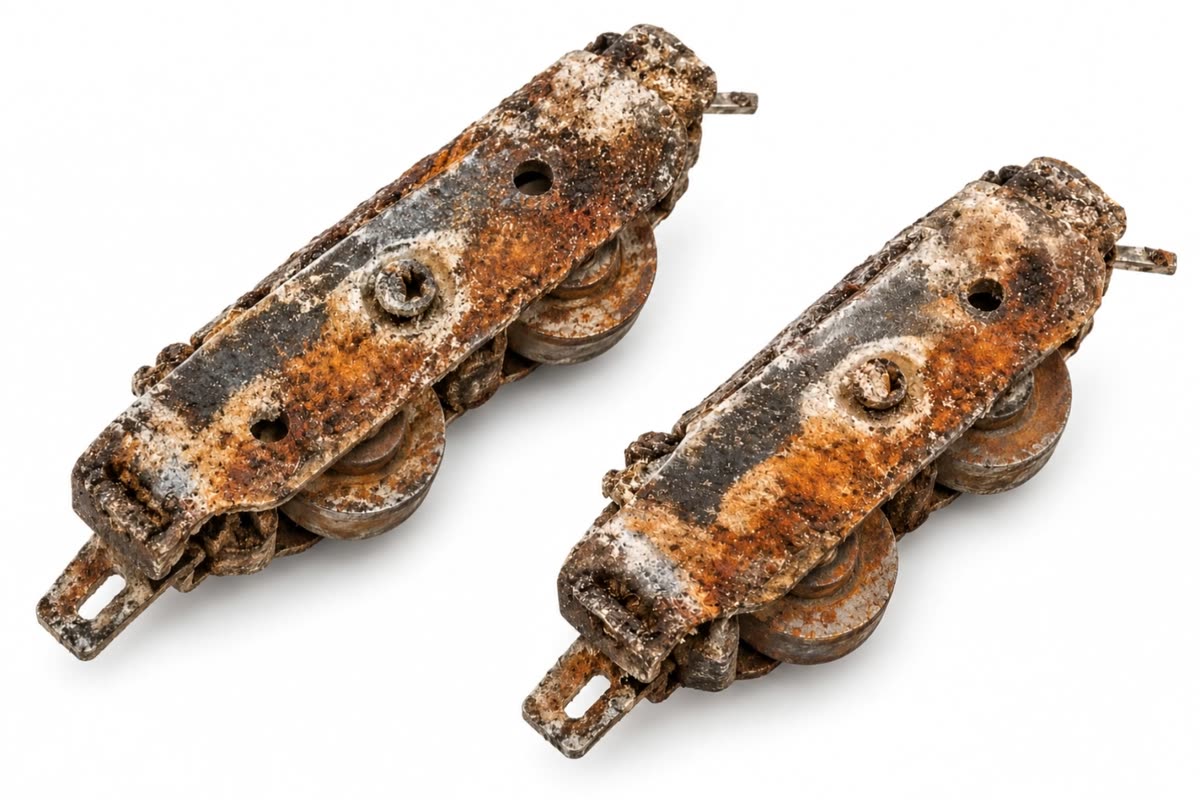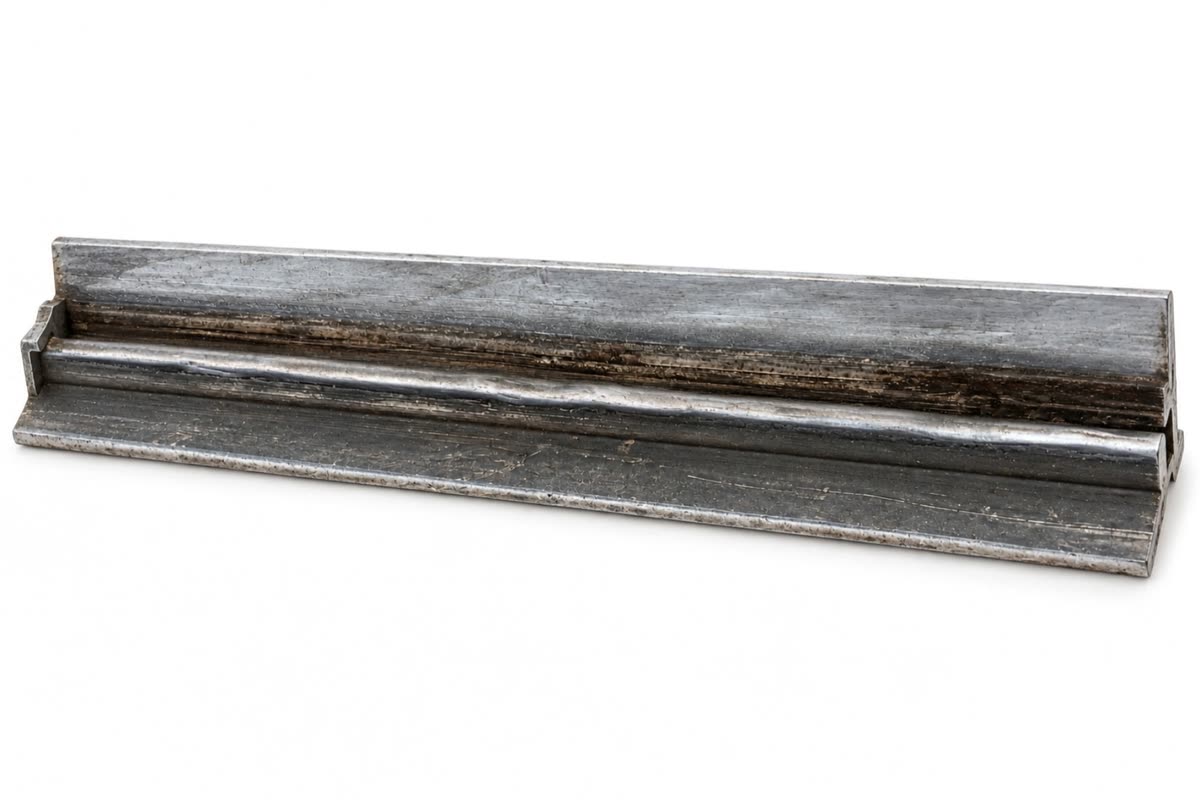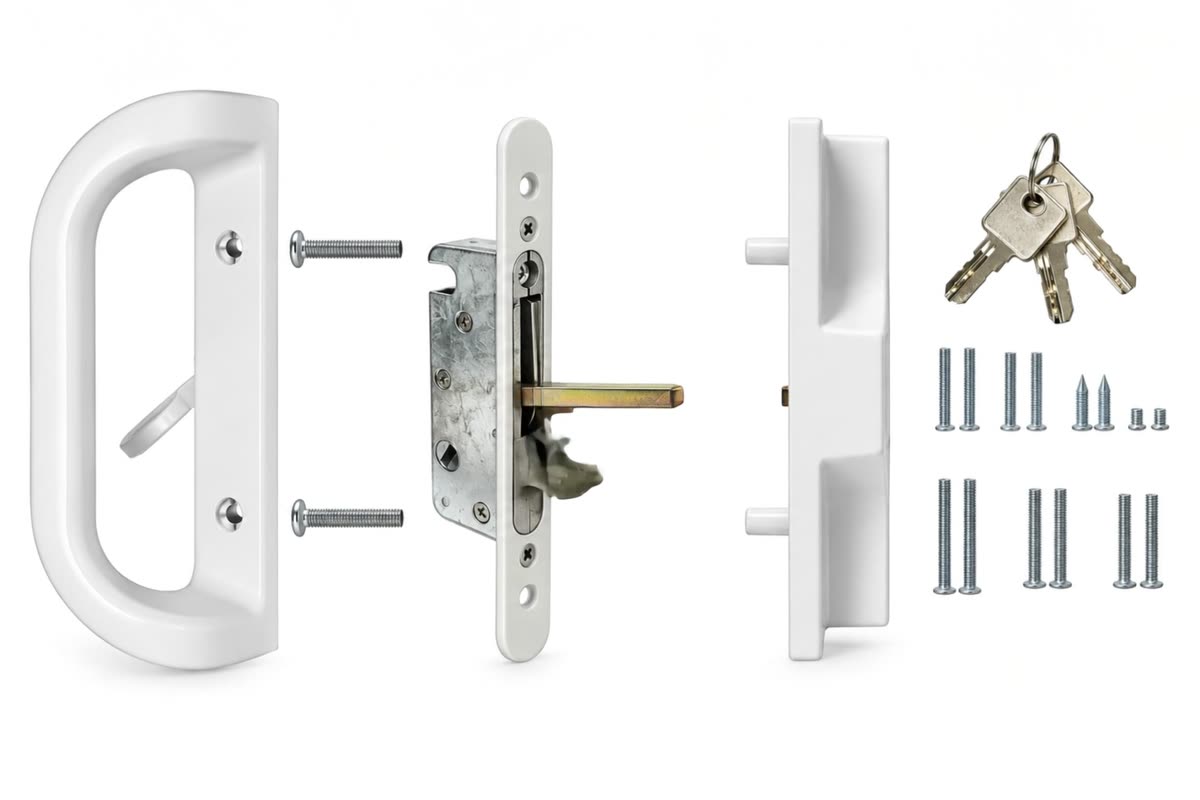

A commercial entrance that stays shut or stops partway through its cycle affects people trying to reach the site. The building's first tasks are to manage access and give the repair team a clear account of the door. Report what happened during normal use, where it happened and who can coordinate the approved route while the entrance is evaluated.
Start with access for visitors and occupants
Follow the building's procedure for routing people away from the affected entrance. Tell the repair team how to reach the site through an available route.
A closed entrance can disrupt people even after the faulty door is secured. Use the site's approved route and make the redirection clear before visitors reach the affected opening. Consider someone who arrives from the parking area and a person already inside who needs to leave. Give staff the same instructions about where to direct traffic and who is arranging service. Maintain access and emergency routes under the building's procedures and applicable requirements. If access cannot be managed with the usual staffing or layout, involve the responsible property contact. Tell the technician which approach is available without crossing the restricted opening.
Identify the exact doorway
Use the name staff can recognize, such as the east lobby slider. Give the building address and visible product information if accessible.
An automatic sliding entrance has a powered operator, moving panels, guides, detection and control equipment. A building contact should report the behavior, position and timing instead of trying to make changes to the controls. Record the product label or visible status indication from a safe place if available. The name of the entrance and its normal operating mode help the technician identify the system. If the door is behaving unpredictably, arrange for people to use the property's approved alternate route while it is evaluated. Keep the service report available so future staff can identify the opening and any agreed actions without repeating troubleshooting.
Describe the point in the cycle
State whether it never responds, starts opening and stops, or remains partway open. Include the time of the most recent occurrence.
The sequence of an automatic door provides useful language for a report. Identify whether the failure occurred on approach, at the beginning of opening, while holding open, during closing or after the door reached rest. A camera record that already exists can be useful if the responsible site contact can review it under building policy. Report any visible status indication and whether the event repeats under known conditions. Do not assign a cause simply because it happens in one phase. The phase helps a technician decide where to begin, including the operator, detection, controls and moving panel. An exact entrance name is essential at a site with several automatic doors.
Report how people approached
A door may respond differently from opposite directions. Record the direction already observed and avoid asking someone to walk through a malfunction.
Detection at an automatic entrance can serve different functions, including activation and presence sensing. A door that fails to respond to approach and one that responds but moves unexpectedly near people need different evaluations. The service team should know the direction and phase where the problem was observed, plus recent changes in the area around the opening. A floor mat, display or traffic pattern can alter the scene even when the equipment has not moved. Follow the manufacturer's and site procedures. Keep the public away from a faulty entrance while responsible staff arrange service, rather than asking people to pass through to reproduce the incident.
Identify recent changes around the entrance
Note new floor mats, displays, service work or a change in operating hours. Give the timeline and which opening it applies to.
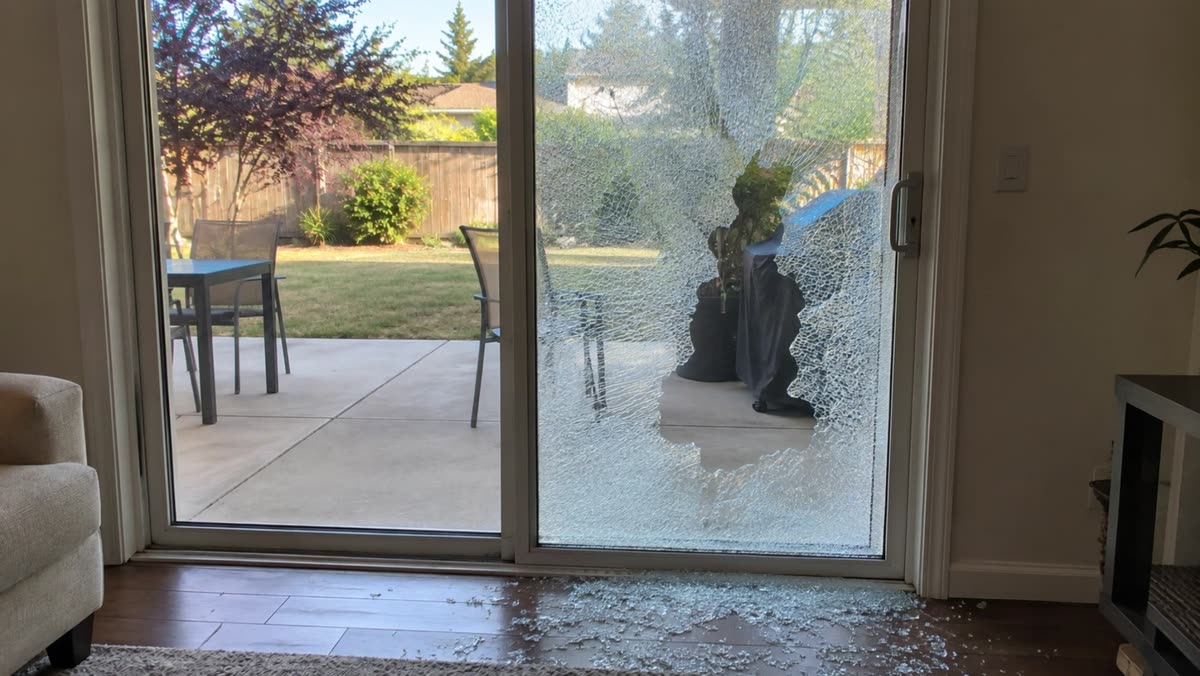
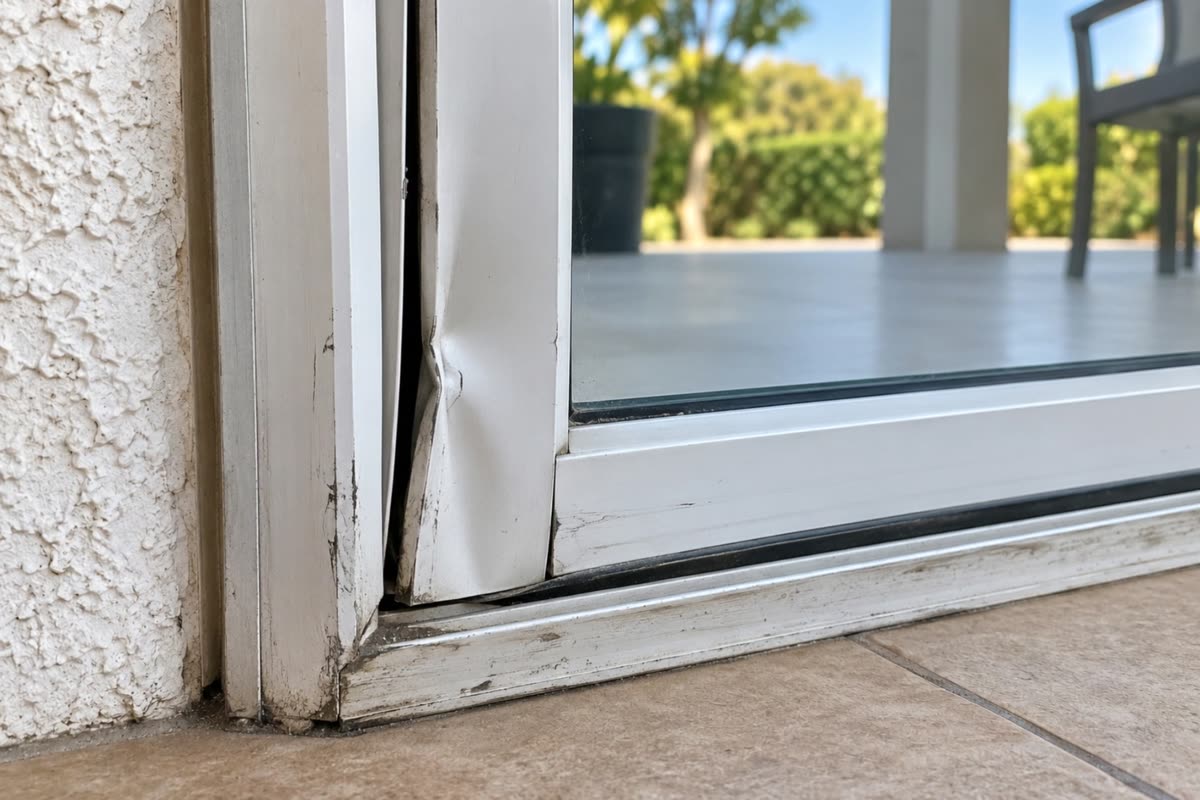
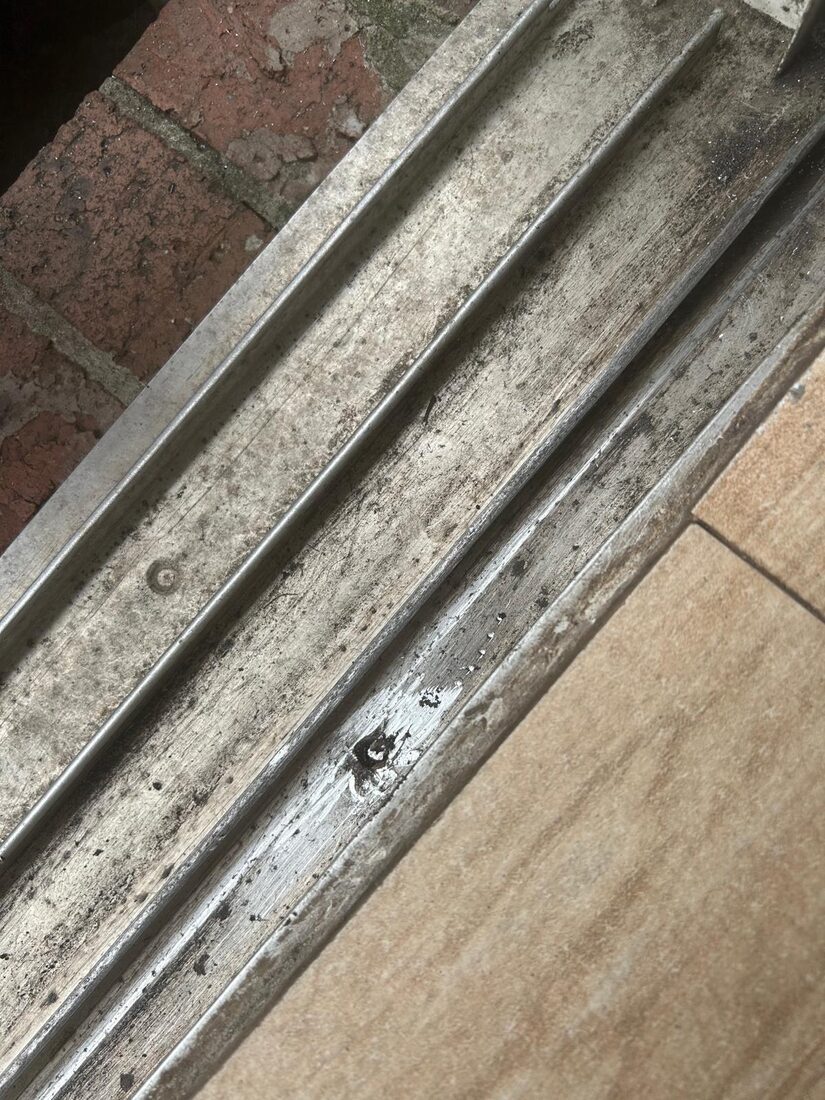
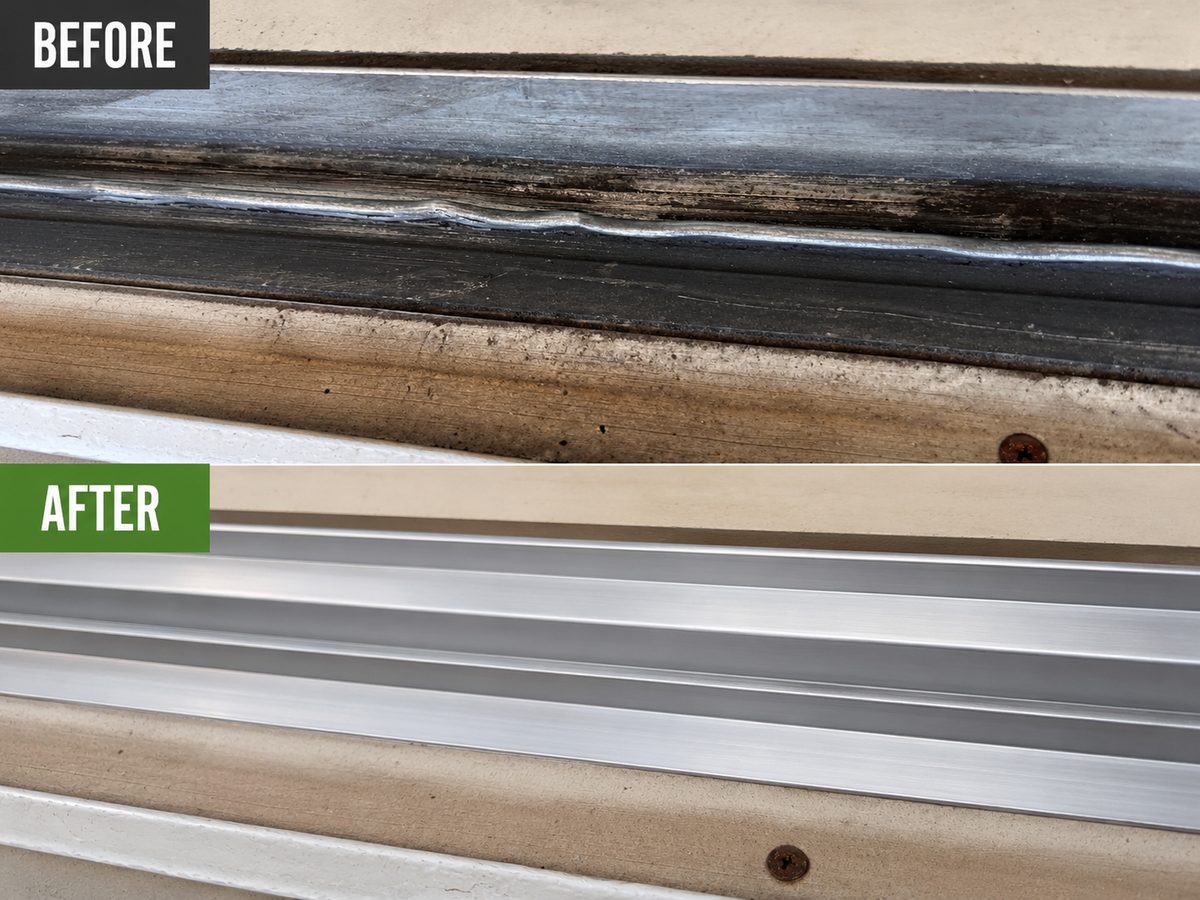
The order of events can narrow a service request. Record whether the problem followed a storm, flooring work, a rail adjustment, glass replacement or an impact, or whether it developed gradually with daily use. Those details give a technician a reason to look for a changed clearance, damaged component or condition that is recurring. A short timeline is more useful than guessing why the first service did not last. Include any earlier receipt or part description that identifies what changed. If the issue disappeared briefly and returned, note how the door behaved during that interval and whether the same location or latch is affected now.
Keep the public issue separate from a manual panel
Confirm whether the entrance normally moves automatically. A hand-operated glass door needs a different inspection even if the descriptions sound similar.
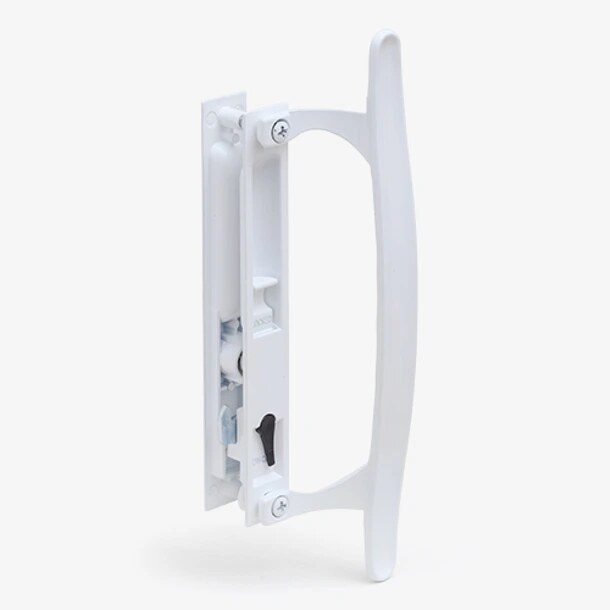
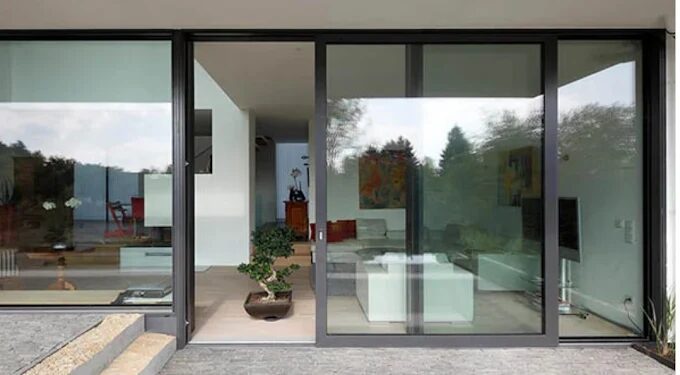
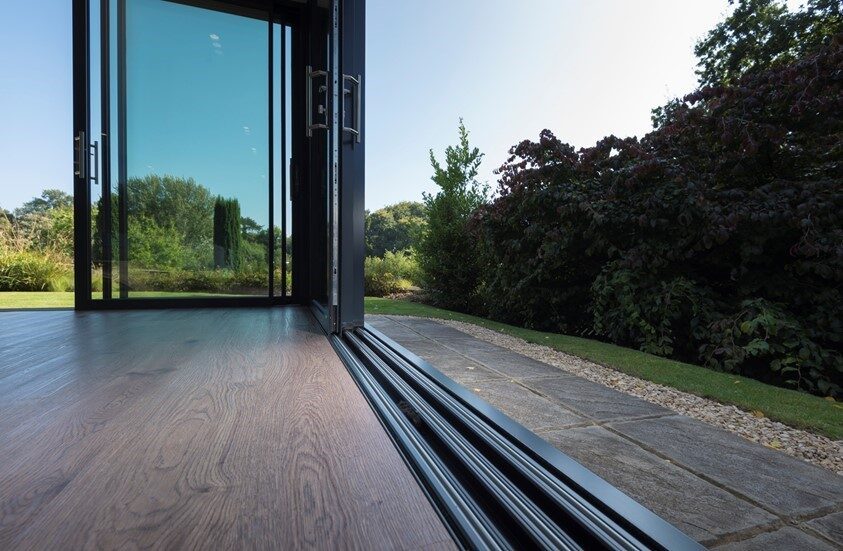
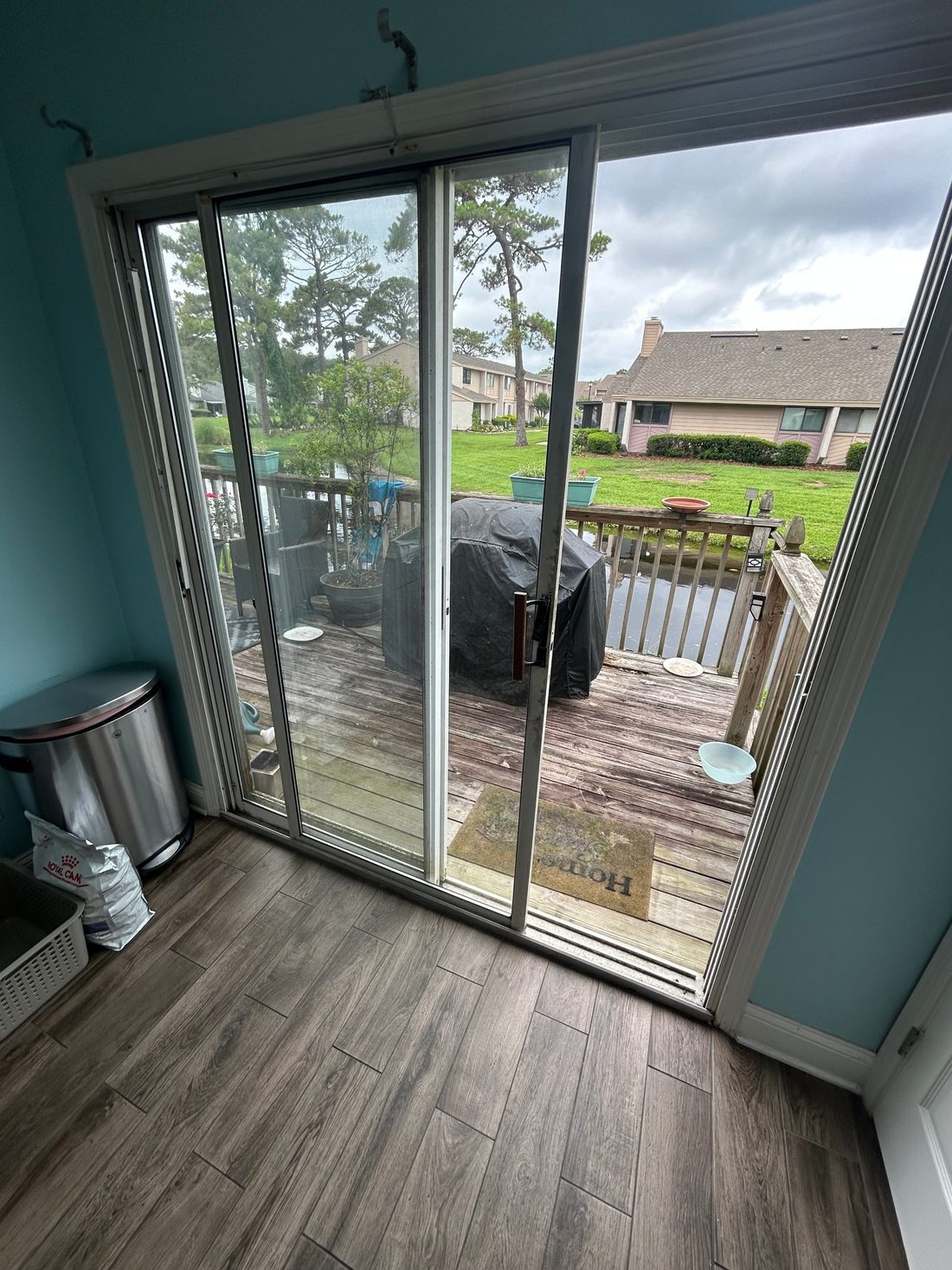
A manual sliding door depends on the person pushing or pulling its panel. The key clues are travel, weight, the rail and how it reaches the latch. A powered automatic entrance adds a different set of components and public operating conditions. Be clear about how the affected unit is supposed to open before requesting a service visit. A glass storefront panel can look like an automatic door in a photo even when it is operated entirely by hand. Ask the property contact which door is used and where it is located. A correct category makes it easier to send the request with the information the technician needs.
Share the report across shifts
Use one written entry for the fault, time and action taken. Give staff the site contact who can direct people and request service.
Site staff are often the first to see an intermittent door problem. Give them one way to record it. The door name, time, direction of approach and point in the cycle are useful fields. When operations move to a different entrance, record when it happened and whom the staff notified. Keep the service decision with the person authorized to make it. Training for daily checks should follow the maker and industry instructions applicable to that opening. A single written log is more useful than several messages with different names for the same entrance. It can also help staff verify what was agreed after the visit.
Identify route and exit needs
Tell the responsible property contact if the doorway affects a designated route. Keep the alternate plan available for visitors, occupants and the technician.
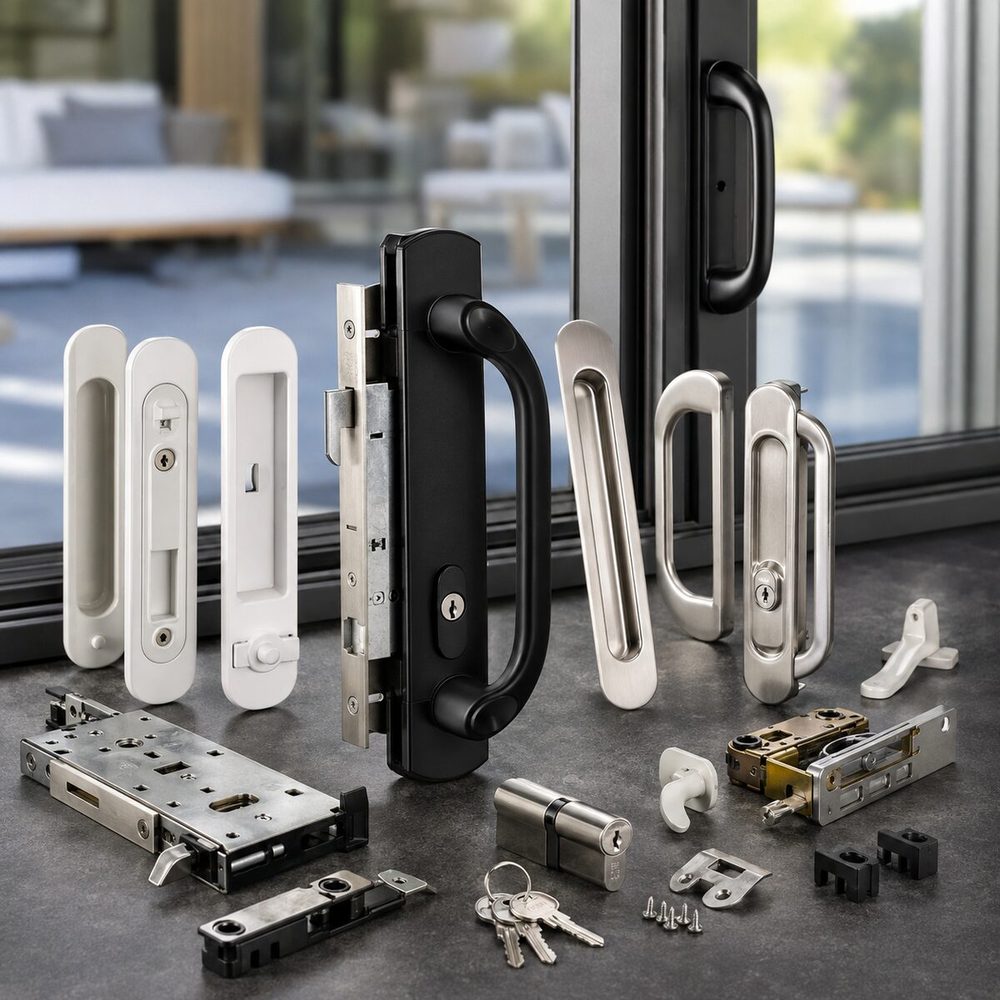
The opening may serve someone who depends on it even if it is only one of several doors in the building. Tell the property contact who uses the route and under what conditions. Ask how access will be managed if the opening cannot be used while service is pending. Before adding hardware, discuss how normal entry and exit will work and whether the change affects a designated route. At a business, the responsible site contact should apply its procedures and accessibility requirements. At a home, include the needs of the people who use the patio so the plan works after the visit as well.
Give the site contact and service access
Share security, loading and building entry information. Tell the repair provider which entrance can be used without crossing the restricted area.
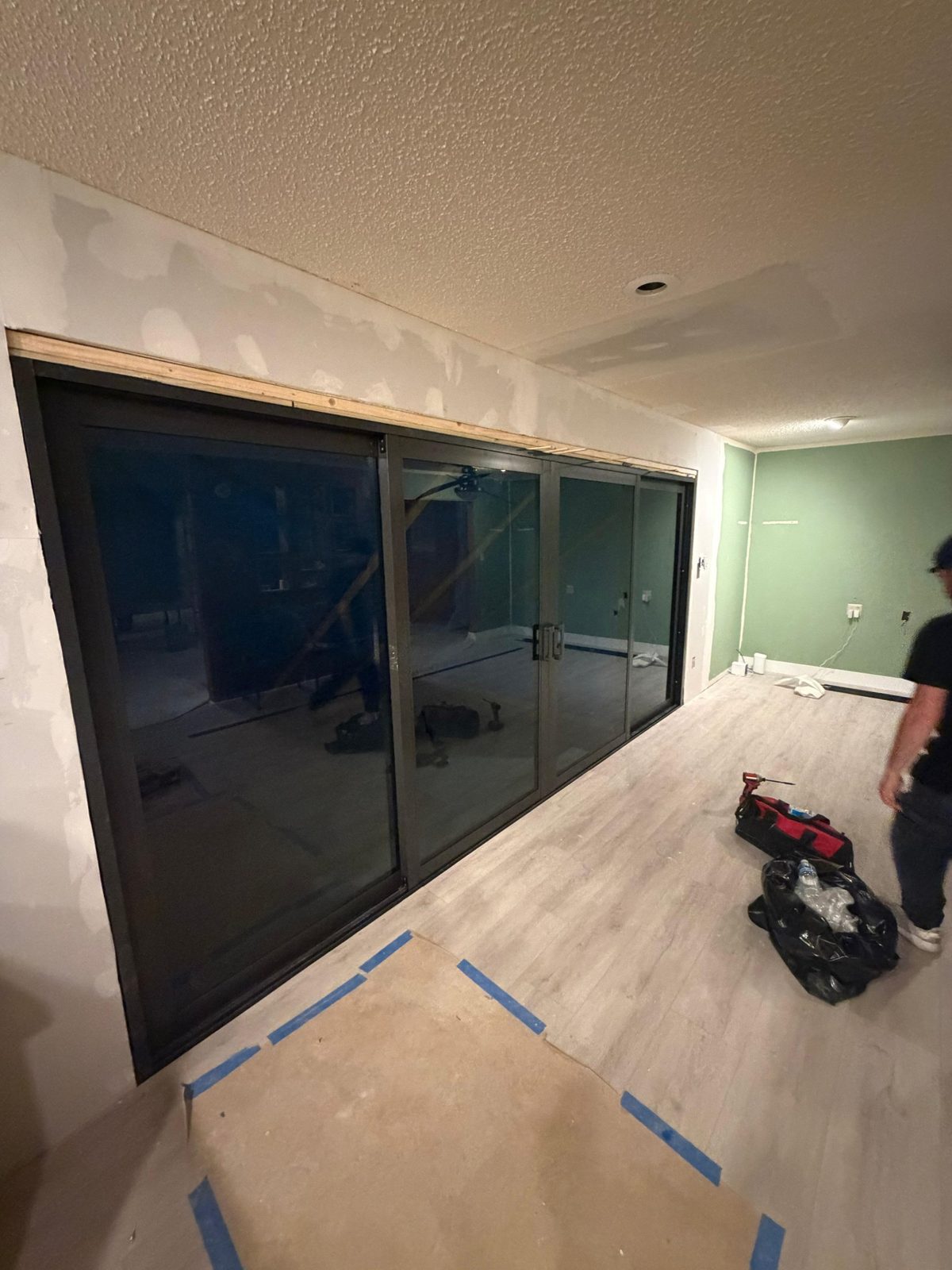
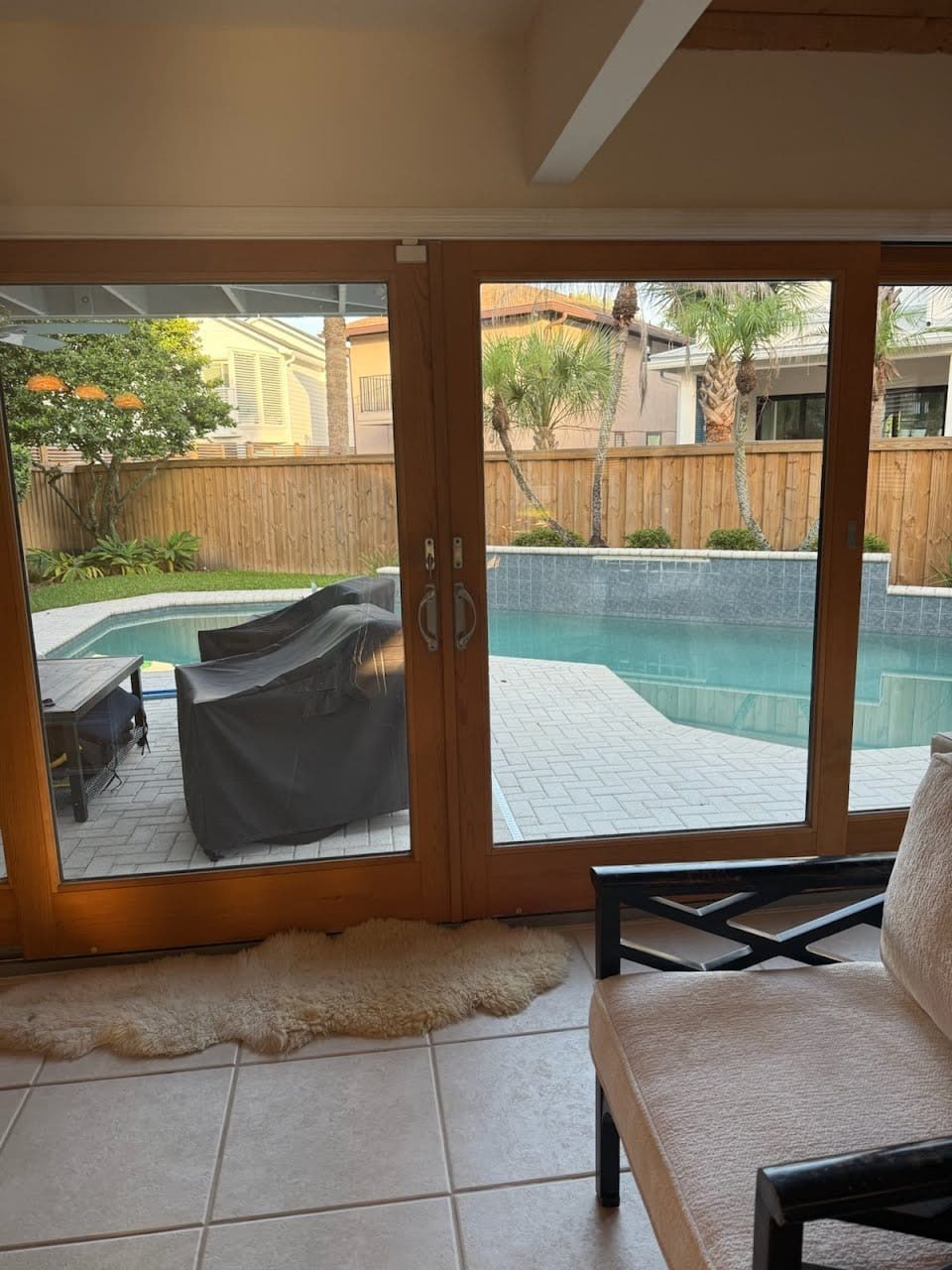
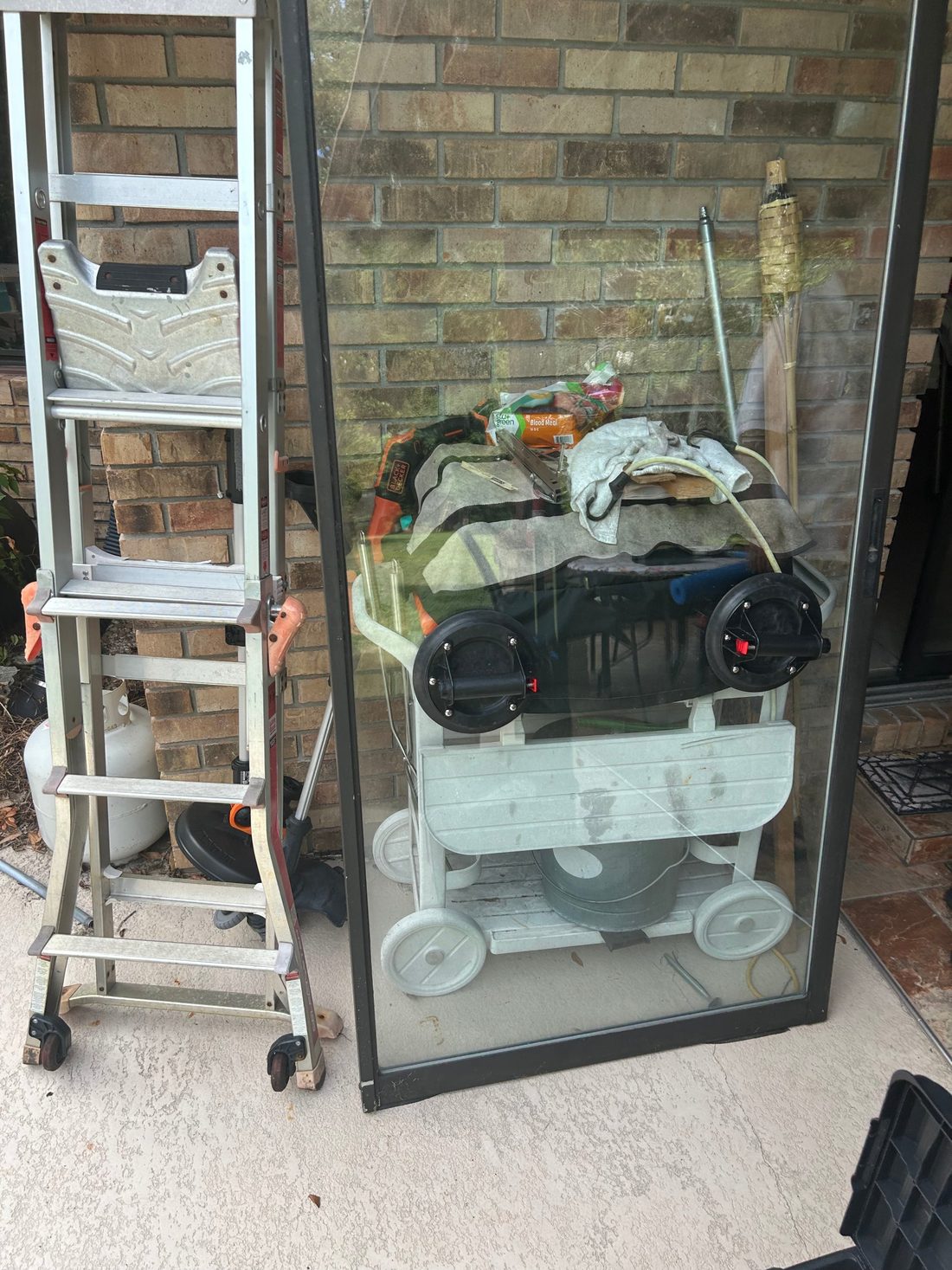
Access begins before the technician reaches the door. For a home, include a gate, raised deck or room that can be entered only from inside. For a managed property, identify the floor, elevator or loading procedure and the person who can arrange entry. A wide glass panel can require more space to handle than a photo of the opening suggests. Describe the route using the surfaces and steps that actually exist. If the door cannot safely be moved, leave that fact in the booking notes. Access details let the repair team plan a visit around the opening as it is, including who will be present.
Confirm the evaluation and approval scope
Ask what the visit will evaluate and who can approve work. If an additional part or follow-up is needed, record the next step.
A good scope names the opening, explains the observed problem and lists the parts or work that address it. It can also identify which sound components will stay and what condition could lead to a separate quote. That makes it possible to compare a minor adjustment, a component repair and a larger replacement on the same terms. Ask how the completed work will be tested and who will approve any additional work once the opening can be fully inspected. If access or a needed part could require a return visit, discuss that before work begins. Keep those details with the address and the affected room or entrance.
Record when the opening is cleared for use
Have the responsible site contact record the service result and any instructions for staff. Keep the door name and check outcome in the site log.
Close the service record with three concrete facts. Identify the door that was worked on, describe what changed and record how the original condition was checked. Give the note to the household, owner or building contact who needs to use it. Include any part information and product-specific care guidance, and identify who will arrange a follow-up if one remains. At a site with several entrances, make the result easy to match to the correct one. That gives the next resident, shift or technician a usable account of the repair and a baseline for noticing what has changed since then.
Local examples in Kearny Mesa and Mission Valley
A Kearny Mesa office entry might be the main approach from parking, while a Mission Valley store may have an alternative that customers can reach from inside a complex. An Otay Mesa site may need a security contact to meet the technician. In each case, give the exact doorway, affected phase and access route so the repair visit fits the way people reach the property.
Questions to ask
Should staff try to reproduce the fault for a video?
Use details from ordinary operation and existing records under site policy. Keep people away from an entrance that moves unpredictably while service is arranged.
Does a door that stays closed always have a sensor fault?
Several components and operating conditions can affect opening. Report the phase and any visible status without assuming the cause.
What information helps on the first call?
Give address, door identifier, phase, site contact and current access plan. Mention whether the entrance has been taken out of public use.
Local service and related pages
Explore Commercial Automatic Sliding Door Repair. Service-area details are available for Kearny Mesa, Mission Valley, Otay Mesa. Call 619-389-3123 or send a service request to describe the opening at your property.