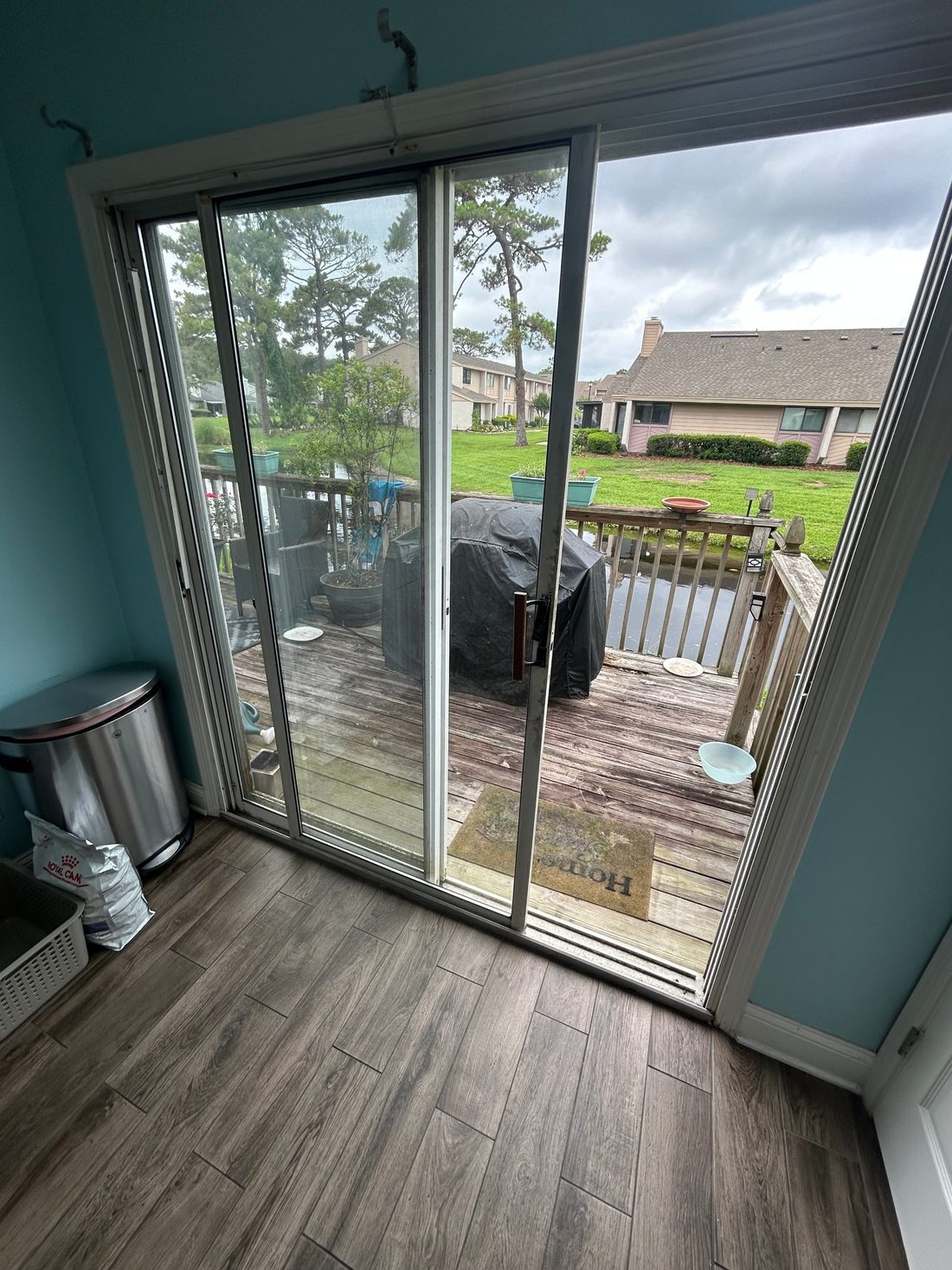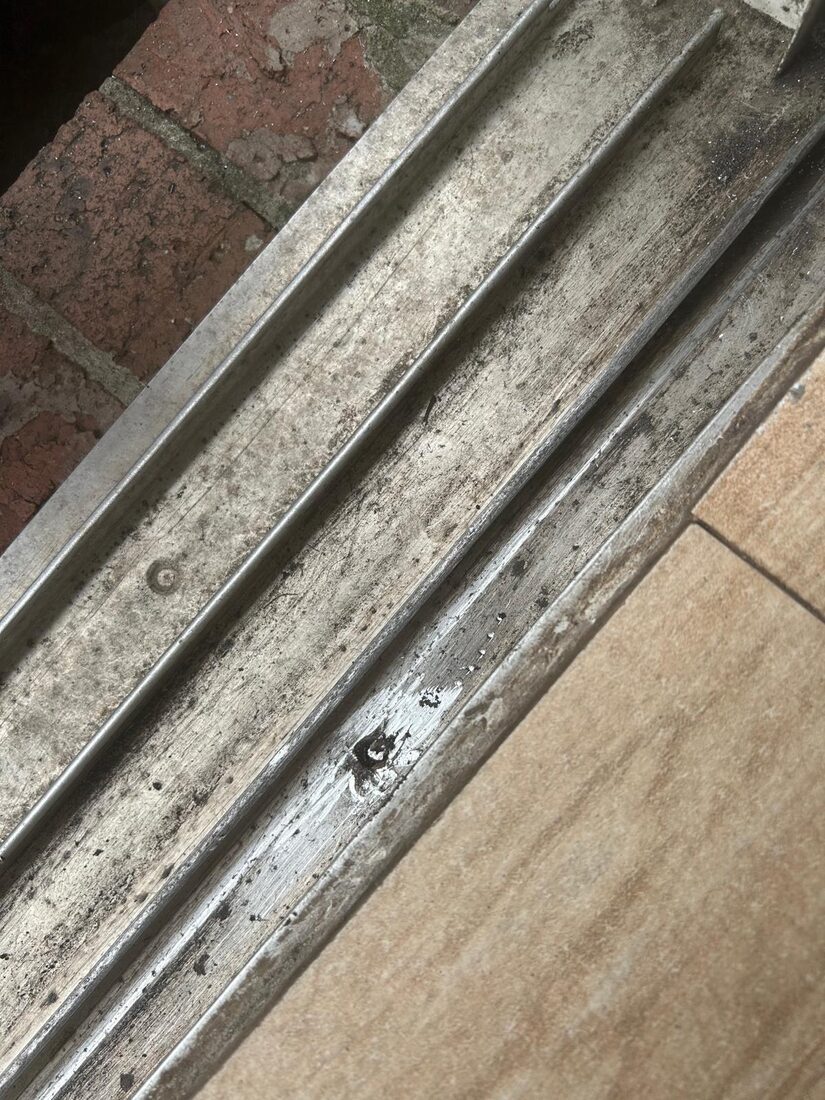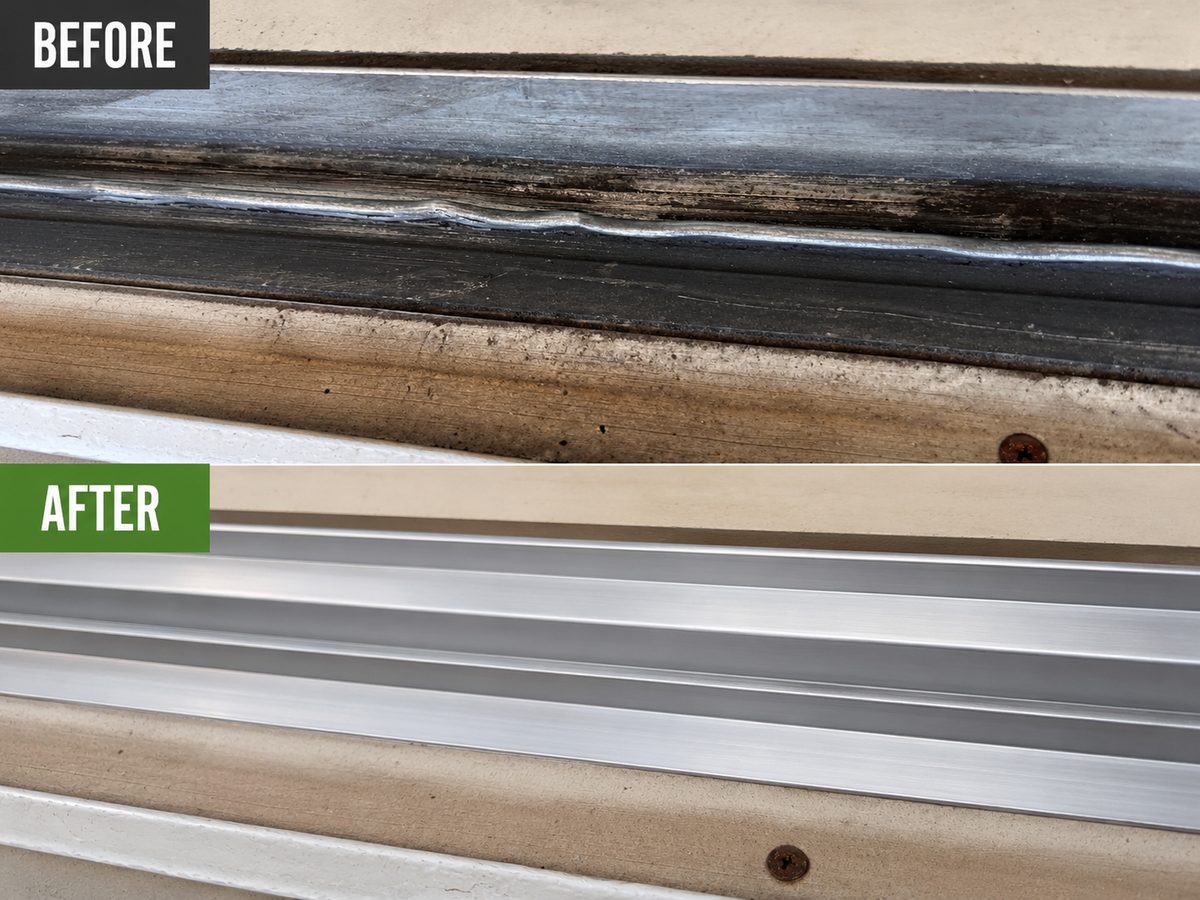

An automatic entrance can fail to respond as someone approaches, hold open for an unexpected reason or move when staff expected it to stay still. Those observations belong to different parts of the cycle. A useful report describes the observed behavior and the scene around it while the building protects the public route and arranges service.
Describe an opening that fails to activate
State whether the opening never started as someone approached. Give the direction already observed.
An activation symptom begins before the door opens. A site report can distinguish approach from inside and outside, straight movement from a direction that comes across the doorway, and a door that remains closed from one that begins to open and stops. Use observations that already occurred during normal operation. The detector, settings, operating mode and operator can each require evaluation. Tell the technician where the person was relative to the doorway and whether the event happened once or returned under the same conditions. Identify any signage or queue layout that changed around the entry. The technician can then assess the appropriate system under the maker's procedure.
Map the failure to a phase
Use approach, opening, hold-open or closing language in the report. Give the time and whether it happened on the entry or exit side.
Describe an automatic entrance as a sequence with a beginning and an end. Record whether the door started after approach, reached its usual open position and behaved normally while people moved through. If it changed during closing, give the side and direction involved. The report is useful even if the incident only occurred once. Staff can use observations that already exist and keep a malfunctioning entrance restricted under site procedure. The phase helps the technician plan an evaluation without treating every unexpected movement as the same fault. Include the building contact, time and door identifier so a report stays useful across shifts.
Check for changes to the surrounding scene
Record new signs, mats or a changed traffic pattern. A timeline helps the technician decide whether the environment or door changed first.
Keep the last normal use and the first problem as two entries. Add any event between them, such as a service visit, new flooring, an outdoor project or visible impact. It is useful to know if the symptom improved briefly and then returned. If someone already installed a track cover or changed wheels, bring the original scope if you can. Describe the current closing and travel independently of the history, because a new issue can develop elsewhere in the same door. A short timeline makes it possible to evaluate whether the earlier work addressed the part that is failing now.
Tell people how to reach the approved route
Give the approved approach to visitors, the technician and staff. Put the direction at the point where people would otherwise head toward the affected door.
Make the alternate entrance identifiable from the point where people normally arrive. A sign at the stopped door helps someone already there, while advance directions can help someone plan a route without doubling back. Notify the front desk, tenants or departments whose customers use the door, according to site policy. Use the actual door name and building address in the note. If the available route changes during the day, update the people who give directions. Confirm the route is suitable for the people who need it and involve the property contact if there is a limitation that staff cannot address.
Record the operator and door identifier
Use a visible label or prior report when available. Give the system name without removing covers or changing settings.
A service request for a powered entrance should give the door name, how it normally opens and any visible information from the operator or previous maintenance report. That gives the technician a clearer starting point than the statement that the front door is stuck. Note the current mode and who can arrange safe access to the entrance. Follow the building's procedures when the door is restricted and use only information visible without opening equipment. If several doors have similar glass and frames, add the entry location and direction of approach. A site representative can explain the expected normal operation and confirm how the service area will be reached.
Use daily check instructions for the specific system
Give staff a consistent form for door name, time, direction and behavior. Use existing observations and the applicable site procedures.
A daily check only helps if people know which instructions apply to the actual equipment. Keep the door identifier, the maker's operating and care information, and the applicable AAADM owner guidance in the same place. Give staff one way to escalate a failed check or an incident. A useful entry includes the time, what was observed, what traffic arrangement was made and who was notified. Keep service and return-to-use notes in the same log. If another department takes over after hours, tell it which entrance is restricted and how visitors should get to the site while the work is pending.
Consider an incident that affects a required route
If people rely on that opening to enter or leave, involve the responsible property contact. Keep the accessible alternate route clear.
Some doors are important routes for the people who live or work in a building. Before changing a lock or placing anything near the opening, think about who needs to use it, whether there is a building procedure, and how the person would open it during an urgent situation. An extra device can affect how the door works and how much effort it takes to exit. Discuss intended use and relevant requirements with the property owner or appropriate professional. If a door cannot be secured or a required route is affected, identify that in the service request so the building can manage access and the repair can be planned accordingly.
Describe movement when someone is in the opening
Identify whether the fault happened after a person approached or when the person was already near the moving panel. Report only what staff already observed.
Presence detection is relevant after a person has reached or entered the opening. A report about a door moving unexpectedly near an occupant should include where the person was, the panel direction and whether the door had already opened. Keep the affected entrance out of public use under the site procedure while the concern is evaluated. Use existing reports or records instead of asking staff or visitors to stand in the opening to recreate it. A technician can identify the detection and control functions of that specific entrance. The property contact can manage a safe, accessible route and record the result before normal operation resumes.
Identify who can arrange entry and authorize work
Give the service entrance, site contact and any approval needed to reach equipment. Mention if the public door is restricted.
Start at the street or lobby and picture the actual path to the affected door. Give the floor and room, the person who can arrange entry and any place where a large panel would have to turn. A gate code alone does not show whether the exterior is reachable or how the work can be staged. Share that information early if a heavy unit needs to be supported. For a business, identify the authorized service approach that avoids any closed public entrance. For a house, say which side of the opening is usable and whether a resident will be there to meet the technician.
Ask which detection functions will be checked
Confirm that the report identifies the system, observed fault and detection functions evaluated. Ask who decides which work can begin.
Detection at an automatic entrance can serve different functions, including activation and presence sensing. A door that fails to respond to approach and one that responds but moves unexpectedly near people need different evaluations. The service team should know the direction and phase where the problem was observed, plus recent changes in the area around the opening. A floor mat, display or traffic pattern can alter the scene even when the equipment has not moved. Follow the manufacturer's and site procedures. Keep the public away from a faulty entrance while responsible staff arrange service, rather than asking people to pass through to reproduce the incident.
Brief the next shift before staff resume use
Record which door remains restricted, which route to use and who can confirm that service is complete. Give the next shift any follow-up.
Before service begins, agree who handles visitors, who meets the technician, and who can make a decision if the scope changes. The time when the door has least public use may be different from the time when a building contact is available. Keep those constraints visible. If the site is open while one door is unavailable, give staff a route they can describe from parking and from inside. Plan for the case where a needed part requires a return visit. Write the responsibility and alternate arrangements into the service request so they remain clear at a change of shift.
Local examples in Mission Valley and Kearny Mesa
A Mission Valley storefront may see approach from more than one direction, while a Kearny Mesa office entry may have a more predictable path. A National City property can have several glass doors that staff describe with the same shorthand. Identify the actual door and observed direction, then give the change that preceded the problem. A log tied to one entrance is easier for a technician to interpret.
Questions to ask
Does a changed mat prove the sensor is faulty?
It is an observation about the environment. The technician can evaluate detection, operator behavior and other conditions at the opening.
Can staff adjust the sensor to get through the day?
Follow the equipment and site procedures and arrange qualified service. Use the approved alternate route if the entrance moves unexpectedly.
What should a daily check follow?
Use the instructions for the door and the applicable site and AAADM guidance. Record concerns so the building contact can act.
Local service and related pages
Explore Commercial Automatic Sliding Door Repair. Service-area details are available for Mission Valley, Kearny Mesa, National City. Call 619-389-3123 or send a service request to describe the opening at your property.